Take a sneak peek at the main menu that brings our app to life! Designed with style, speed, and simplicity in mind, it puts everything you need right at your fingertips. Explore how effortless it will be to navigate, connect, and enjoy the full experience from the moment you open the app.
Movement through the app can be found using the icons at the bottom, presented as: Home, Friends, Transaction History, and Profile.
Home Page
This is where SPLIT users can initiate their group sessions using our Tap n’ SPLIT technology.
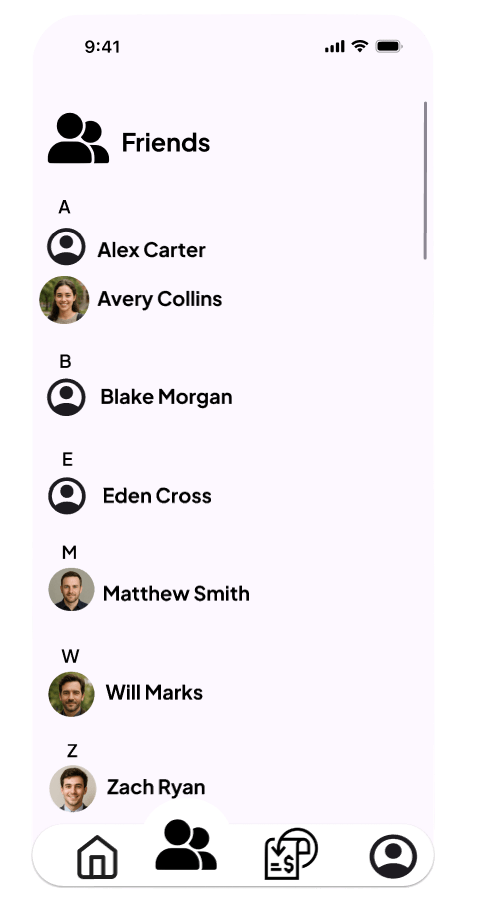
Friends
SPLIT users can add friends to create a community within the app.
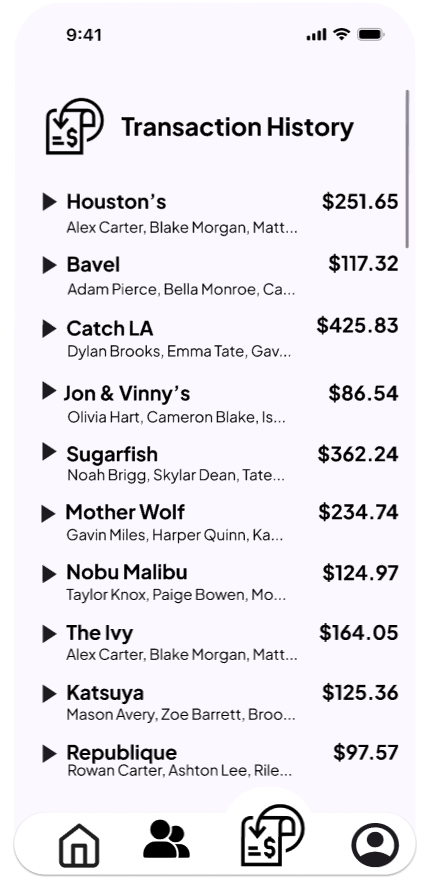
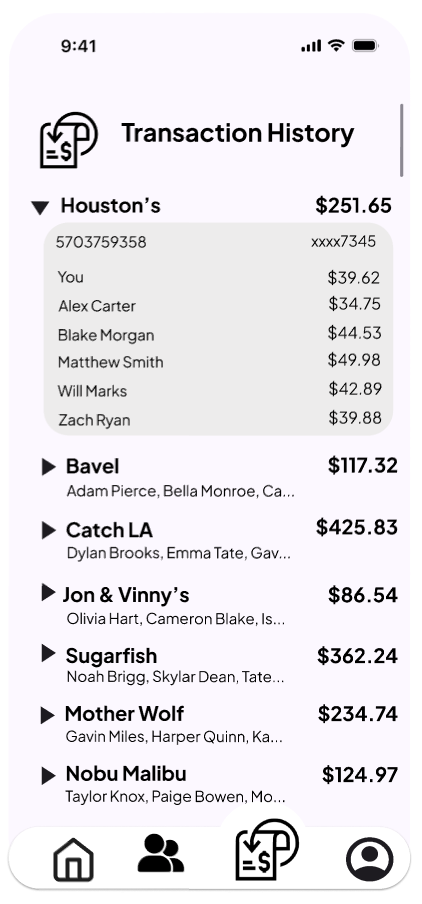
Transaction History
Users can view their previous transactions, including the cost, participants, and other details.
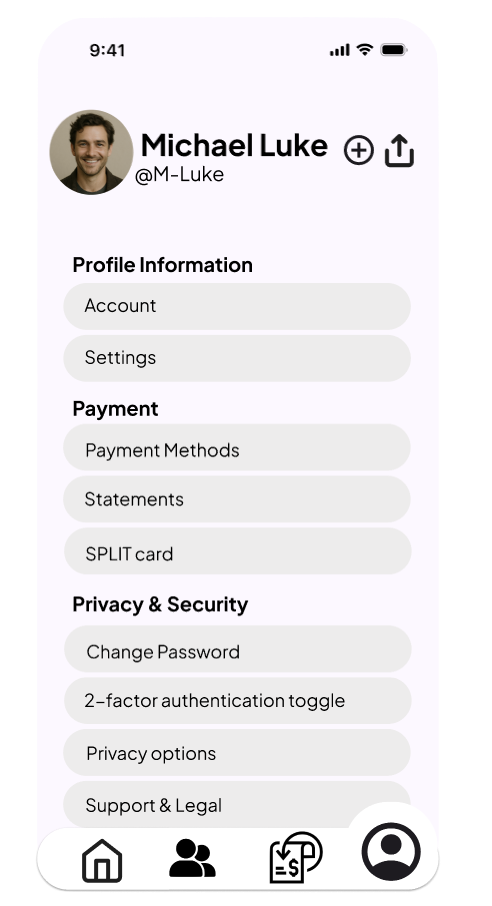
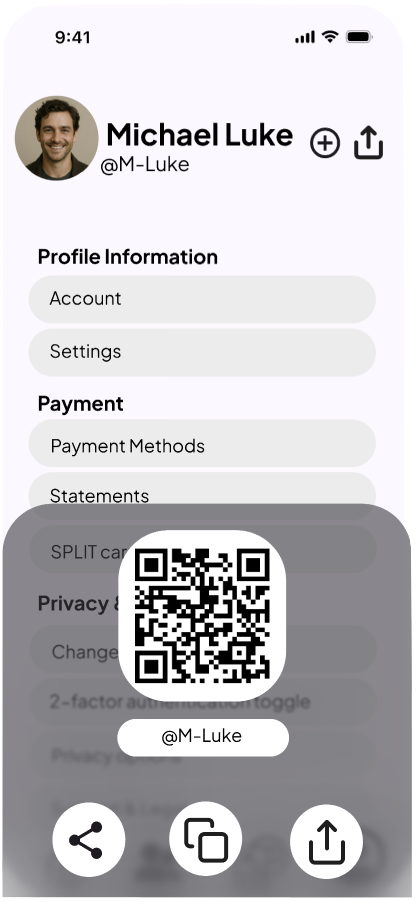
Profile
Users can view their own profile, app information, and share their profile, as well as add friends.
Learn more about SPLIT’s key features!
 SPLIT
SPLIT 